Haibeisi HDMI 1.2 Switcher Two Input One Output Converter Splitter Device HD Line 1 Input 2 One Drag Two Split Screen 4K Computer TV Monitor One To Two Video Switching with Three Generation Options Including Power Supply Upgrade


Haibeisi HDMI 1.2 Switcher Two Input One Output Converter Splitter Device HD Line 1 Input 2 One Drag Two Split Screen 4K Computer TV Monitor One To Two Video Switching with Three Generation Options Including Power Supply Upgrade
Haibeisi HDMI 1.2 Switcher: Two Input to One Output Converter for 4K Computer and TV Monitors

Managing multiple HDMI devices on a single screen can require constant cable swapping, which risks damaging ports and creates clutter. This Haibeisi HDMI switcher offers a simpler approach by providing two input ports that feed into one output, allowing you to connect two sources—like a gaming console and a streaming box, or a work laptop and a personal computer—to your television or monitor. It supports 4K video signals, ensuring high-definition content is transmitted clearly when switching between sources. The device also includes split-screen functionality, enabling side-by-side viewing from both connected inputs, which can be useful for monitoring data or comparing video feeds. Available in three hardware generations with specific upgrades, it serves as a practical, no-fuss solution for home entertainment setups, office environments, or basic professional AV configurations where multiple inputs need sharing a single display.
Features and Construction

The core function of this device is signal routing and conversion between HDMI sources and displays. It is built around the standard HDMI 1.2 specification, which determines its supported resolutions and features. The physical build focuses on providing the necessary ports and switching circuitry in a compact unit designed for desktop or rack mounting near your AV equipment.
Material and Build
The external housing is made from standard plastics used in consumer electronics, providing a lightweight and durable enclosure for the internal circuit board. The construction includes reinforced HDMI ports to withstand repeated plugging and unplugging of cables. Internal components are arranged to minimise signal interference, which is a common consideration in video switching devices. The product is offered in a grey colour variant, giving it a neutral appearance that blends with most home theatre or computer desk setups.
Size and Practical Fit
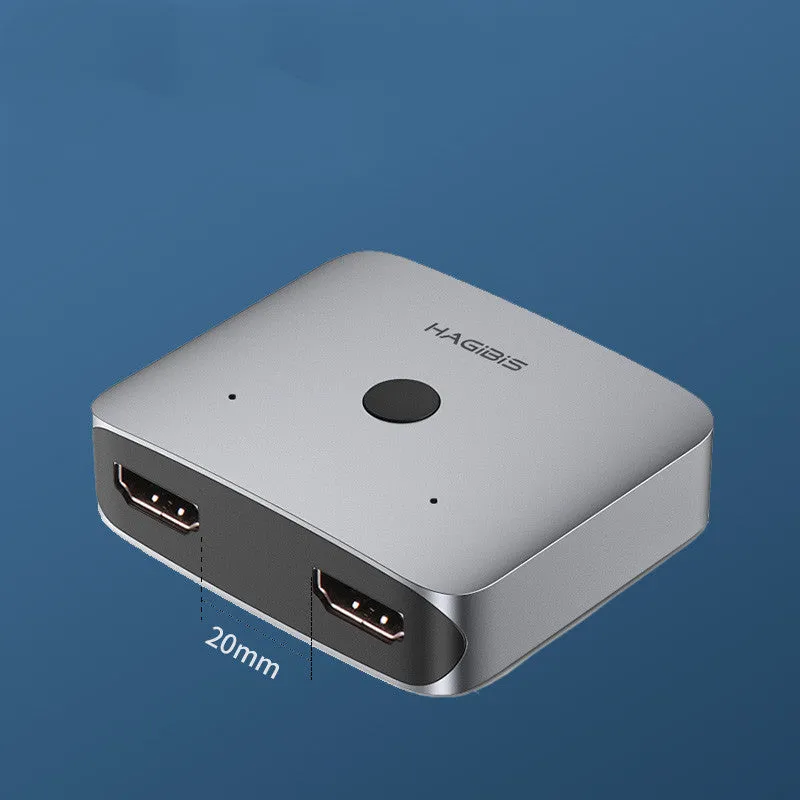
While exact dimensions are not specified, the device is designed to be compact, typically fitting alongside other media players or behind a monitor without occupying significant space. Its form factor is intended for practical placement on a desk, attached to a monitor arm with Velcro, or mounted within an AV cabinet. The 'upgraded large spacing' mentioned for the second and third generations likely refers to increased physical distance between the HDMI ports on the unit's housing, making it easier to plug in bulky HDMI connectors or cables with large moulded ends without them touching or straining.
Uses and Placement
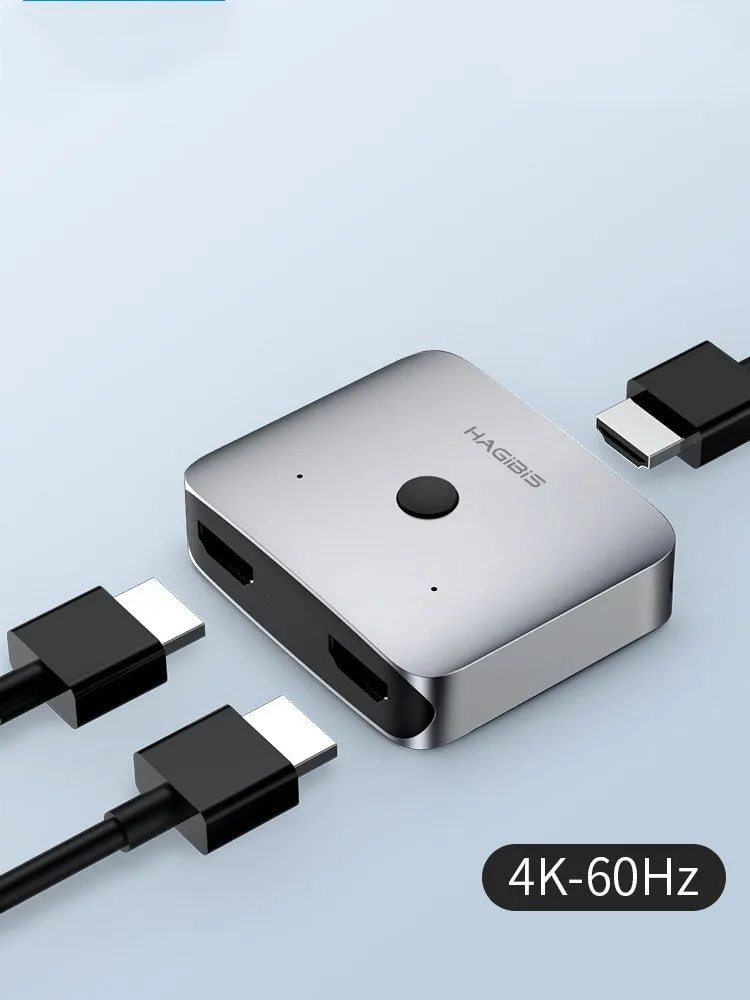
This switcher addresses specific scenarios where display real estate is limited but input sources are plentiful. It removes the need for manual cable swapping, which can wear out port connectors over time and create temporary signal loss. The ability to switch seamlessly or view two sources at once has clear applications in both casual and slightly more structured environments.
Event or Professional Use
For basic presentation setups, the switcher can alternate between a laptop showing slides and a document camera displaying physical objects. In retail or exhibition settings, it could cycle content between promotional videos and live feeds on a single display screen. The split-screen function allows for simultaneous monitoring, such as keeping an eye on a security camera feed while displaying information signage. The third-generation model with its included power supply is noted as 'more stable,' which would be beneficial in environments where the device is used continuously for long periods, as bus-powered (USB) switchers can sometimes introduce signal instability under high load.
Everyday Home Use
At home, it simplifies connecting a games console and a set-top box to a living room TV, allowing quick switching between gaming and television without reaching behind the unit. In a home office, it enables a single monitor to serve both a work computer and a personal laptop. The 4K support ensures compatibility with modern Ultra HD televisions and high-resolution computer monitors, preserving video quality from streaming services, Blu-ray players, or PCs. It is a cost-effective alternative to purchasing a television with multiple HDMI ports or a more expensive AV receiver.
Benefits and Buying Value
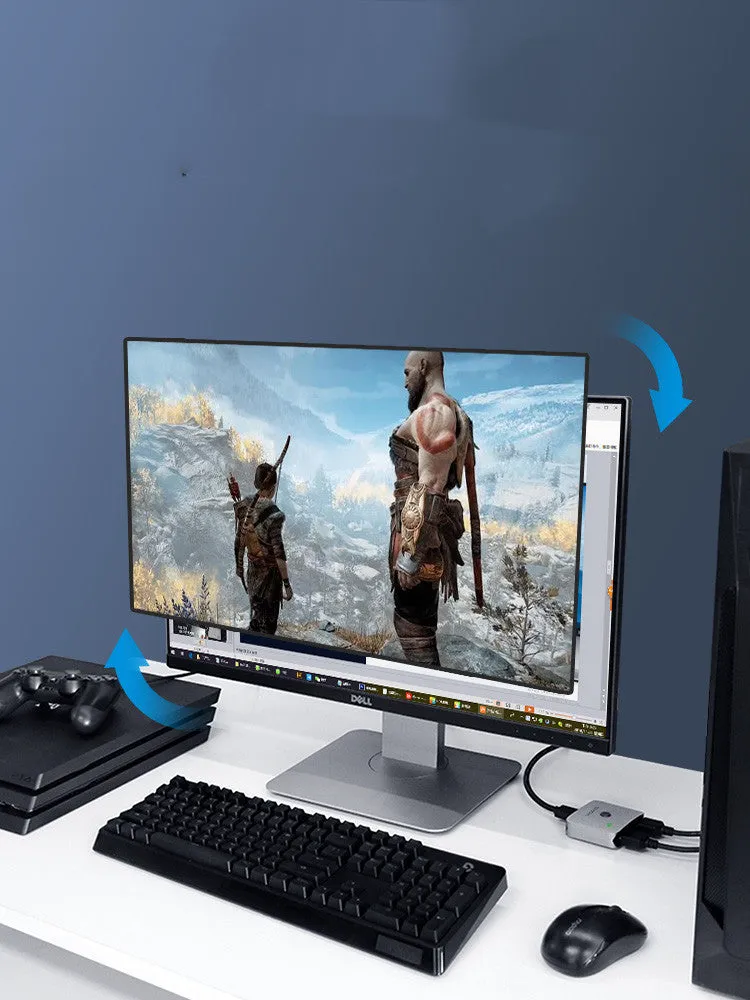
The value proposition of this HDMI switcher lies in its simplicity and the specific problem it solves: expanding connectivity options on a display with limited inputs. It is a dedicated piece of hardware that performs one task reliably, without requiring software configuration or complex setup. Choosing between the three generations allows you to select the level of functionality and stability that matches your needs and budget.
Reuse and Low Maintenance
As a passive switching device with no moving parts aside from any physical button, it has the potential for long-term use across different setups—for example, moving from a gaming station to a home theatre system. Maintenance is minimal; keeping the unit free from dust and ensuring cables are securely connected is typically all that's required. The recommendation for the third generation with a power supply highlights that for permanent installations or critical use, a dedicated power source can contribute to more reliable long-term operation compared to models that draw power solely from the HDMI connection.
Why Choose This Product
You would select this Haibeisi switcher if you need a basic, functional device to manage two HDMI sources on one screen, particularly if your display has only one available port. The explicit option between three hardware generations provides clarity: the first generation is the most basic, the second adds improved physical port spacing, and the third includes a power adapter for enhanced signal stability. This transparency allows you to make an informed choice based on your specific requirement for reliability versus cost. It fulfils a clear technical need without unnecessary features, making it a practical purchase for expanding your AV connectivity.